Virtual Tryon — Demo

Upload a selfie and select a product to preview the try-on. (Demo mode)
App homepage — demo mode
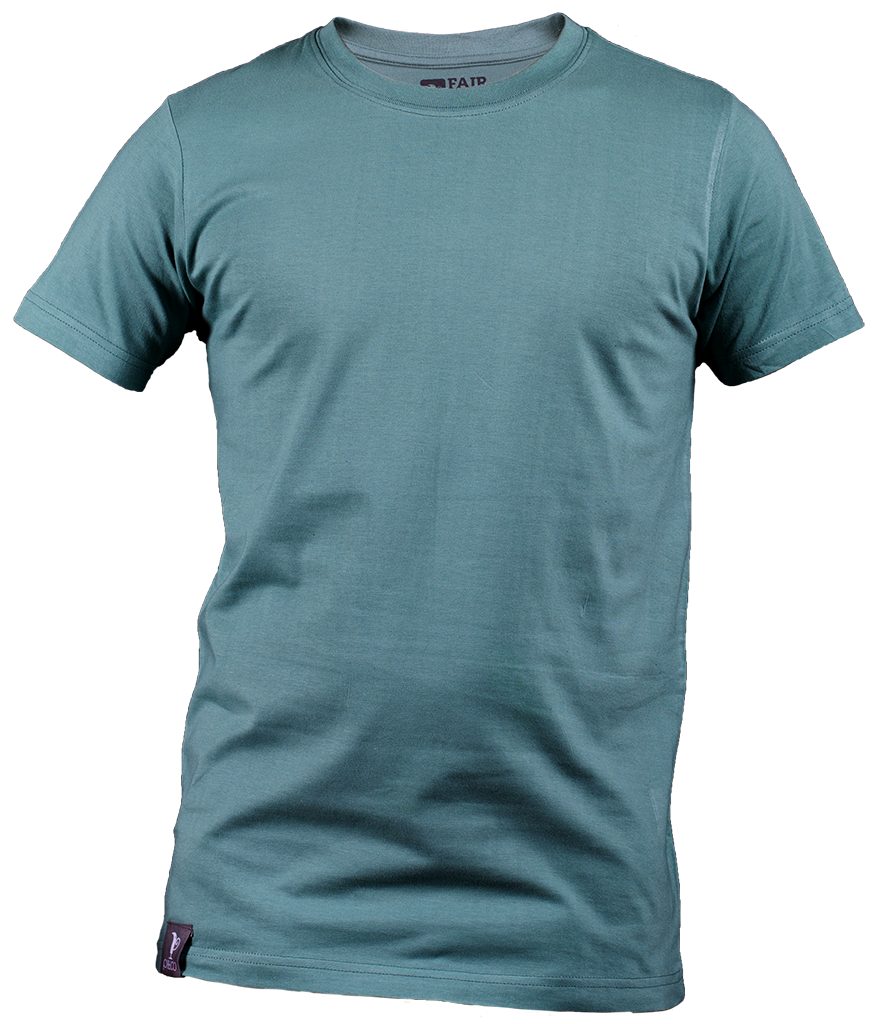
Sample dress preview
If you don't want to upload, use the sample images. Selfies are removed after 24 hours.
Preview
The try-on result will appear here after you press Try On.

Install Virtual Try-On Extension

Click the button below to automatically add the Virtual Try-On block to your theme. The theme editor will open with the block already inserted.

📌 What happens:
  1. Theme editor opens with the "Virtual Try-On" block already added
  2. Position it below the "Buy button" if needed
  3. Click "Save" to apply changes to your store
Note: The Virtual Try-On widget will allow customers to upload a selfie and virtually try on your products before making a purchase.